A laptop that once lasted all day now begs for the charger by lunch. Before you buy a replacement battery — or a whole new laptop — here is how to tell what is really going on.
Read your battery health report
Both Windows and macOS show battery health: design capacity versus what the battery still holds. Above 80% is healthy; below 70% with a high cycle count means chemistry, not settings, is your problem — and no trick will bring that capacity back.
The runtime thieves to check first
Screen brightness at full, dozens of background apps, constant video calls and a failing drive that keeps the CPU spinning can halve runtime on a healthy battery. Dim the display, quit what you are not using, and check which apps top the battery-usage list.
Heat is the silent killer
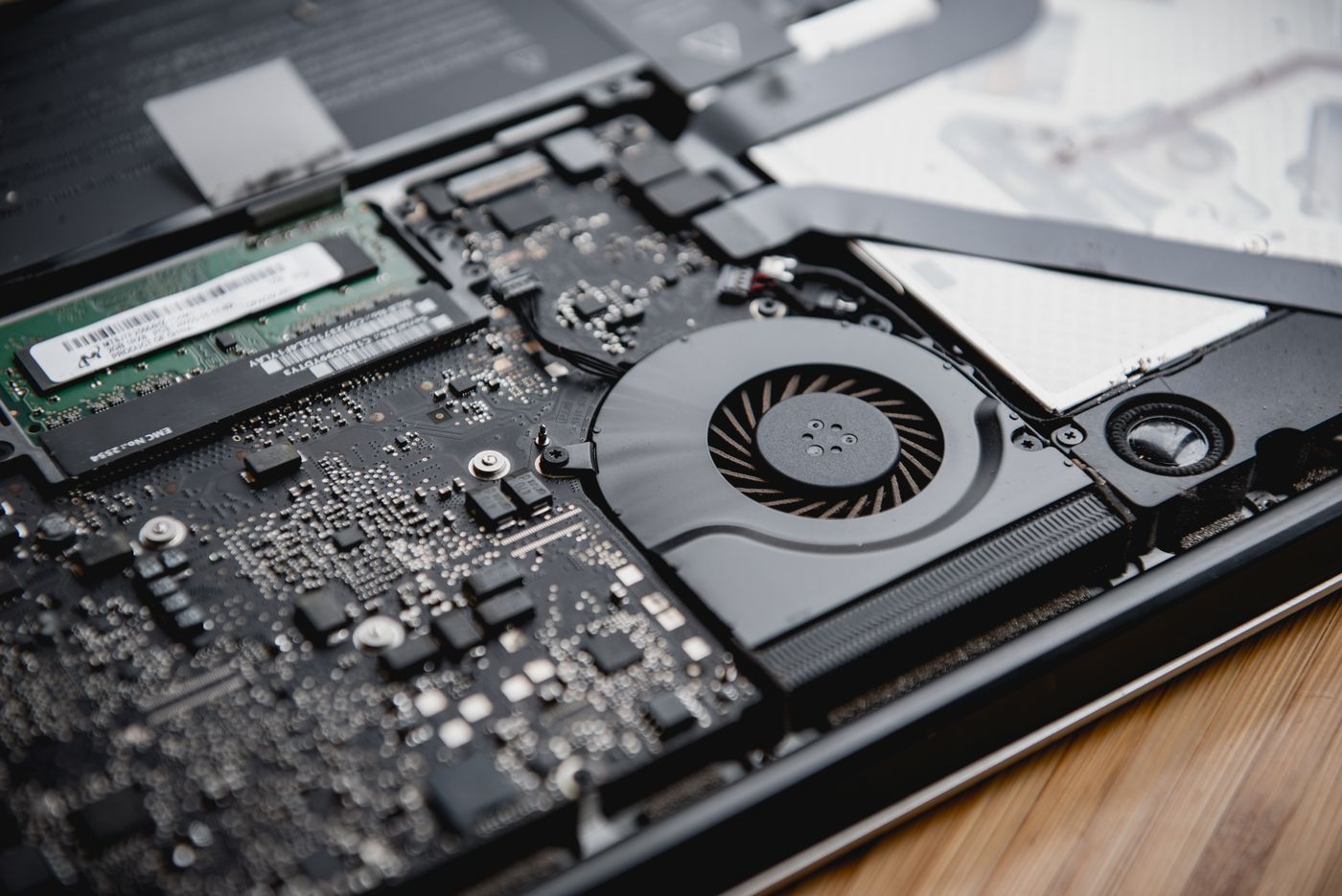
A laptop that runs hot on a bed or sofa cooks its battery while clogged fans scream. Use hard flat surfaces, keep vents clear, and get the cooling system cleaned if the fan never rests — heat ages batteries faster than charge cycles do.
When replacement is the answer
Swelling, sudden shutdowns at 30%, or health stuck under 70% all mean a new battery. We fit quality cells with proper calibration — most MacBook and Windows laptop batteries replaced same-week — and dispose of the old one safely.
Free battery health check
Drop by and we will read your battery report and quote a replacement on the spot.
MacBook Battery Service